Invoice template for designers
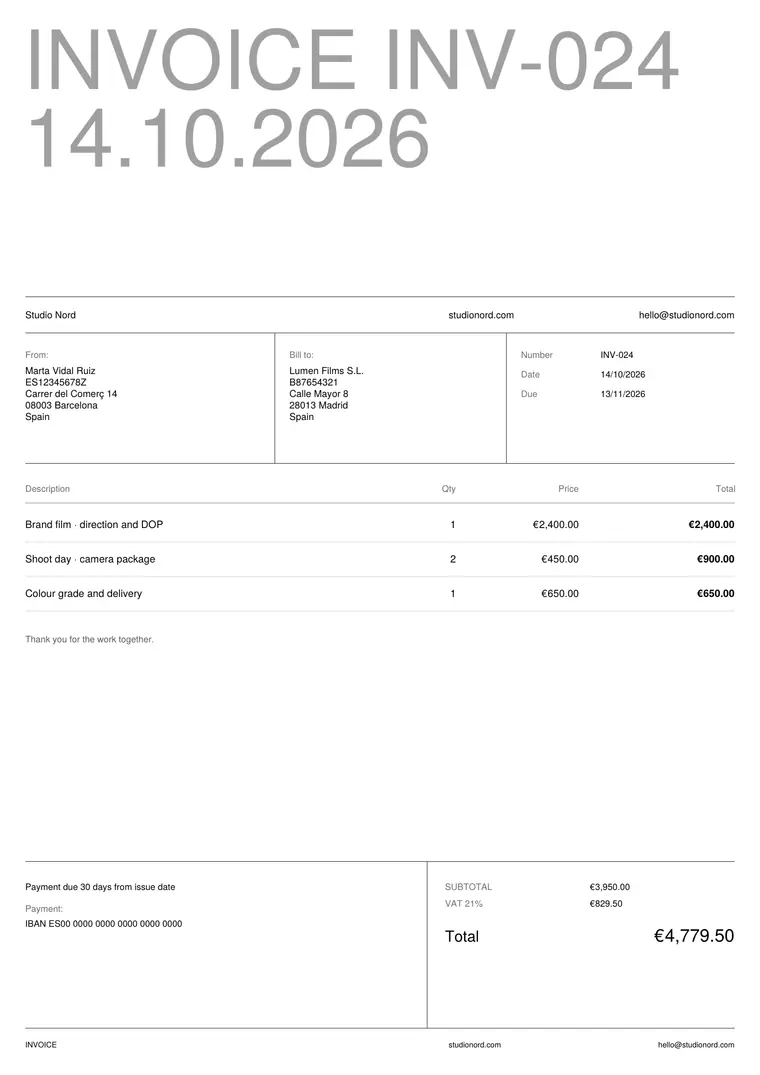
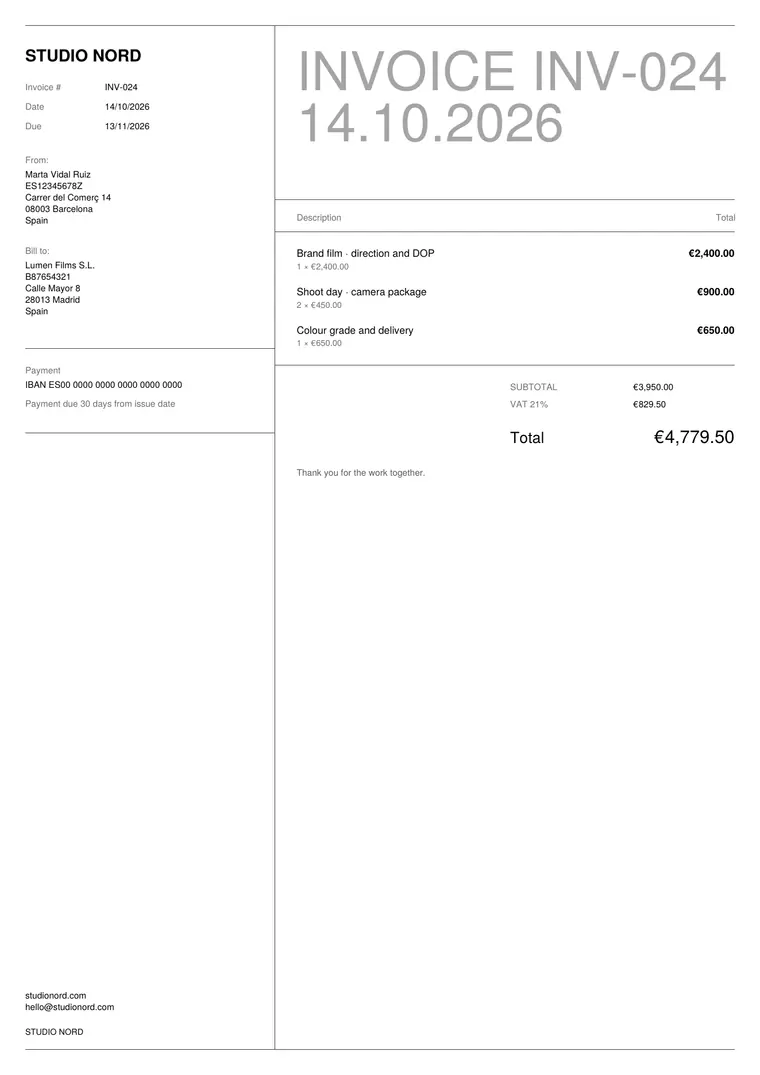
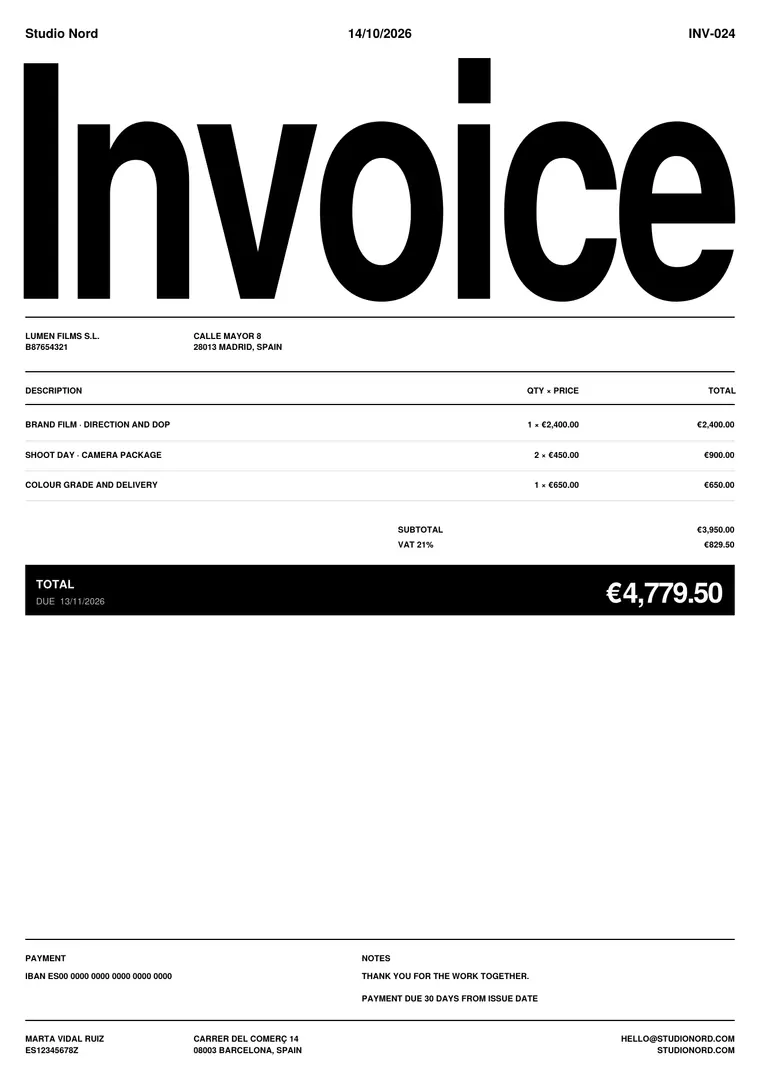
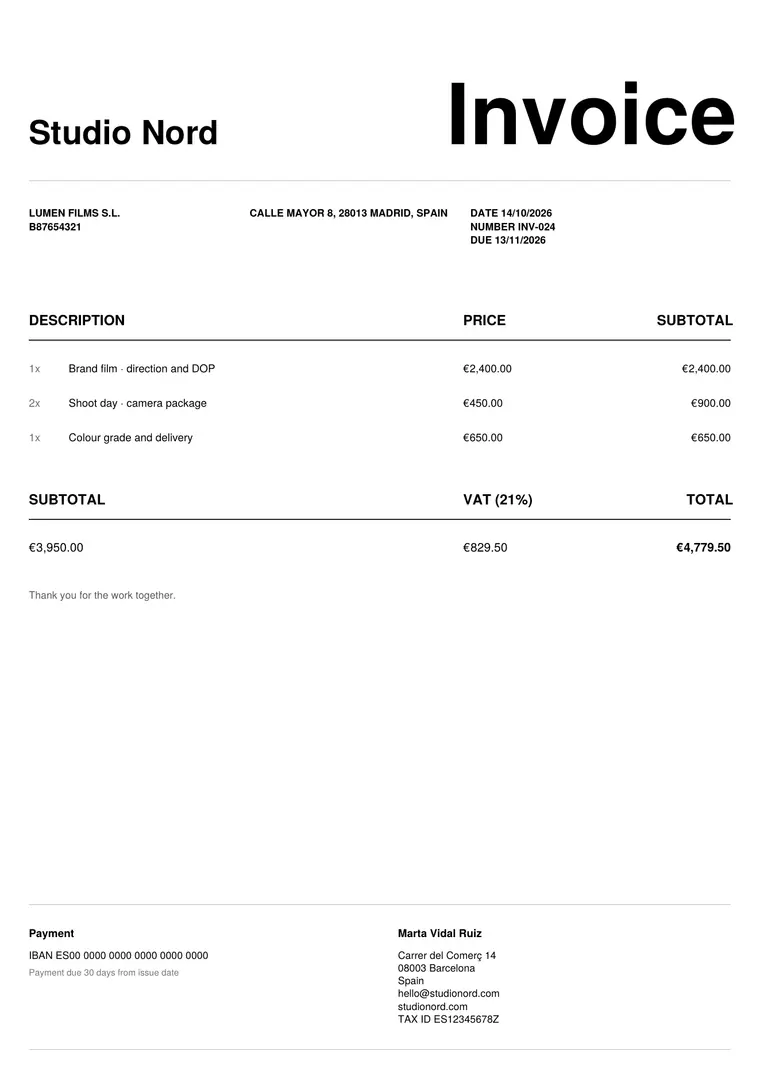
Your invoice is the last thing a client sees from you. Make it look like the rest of your work: clear type, a strict grid, nothing extra.
What to put on a design invoice
- Your studio or name, tax ID and contact details.
- Client company, address and tax ID.
- Invoice number, issue date and due date.
- The project, broken into parts: research, concepts, design, final files.
- Rounds of revisions included, and any extra rounds.
- Licensing or transfer of rights, if it applies.
- Tax, total and payment details or a pay-now link.
Tips for designers
- Use the same names for each part as in your proposal, so the client recognises them.
- Invoice milestones on long projects instead of everything at the end.
- With Pro, save the things you sell often as products, so each invoice takes a minute.
- Pick one invoice design and keep it: consistency is part of your brand.
Questions
Can I add my logo?
Yes, on every plan. Pro adds four designs and removes the small “Made with Summe” line.
Where are my invoices stored?
In your browser, on your device. Turn on sync with Pro and they go to your own Google Drive, never to our servers.