Invoice template for filmmakers and videographers
From pre-production to the final grade: an invoice that lists the whole job clearly, made in your browser in a couple of minutes.
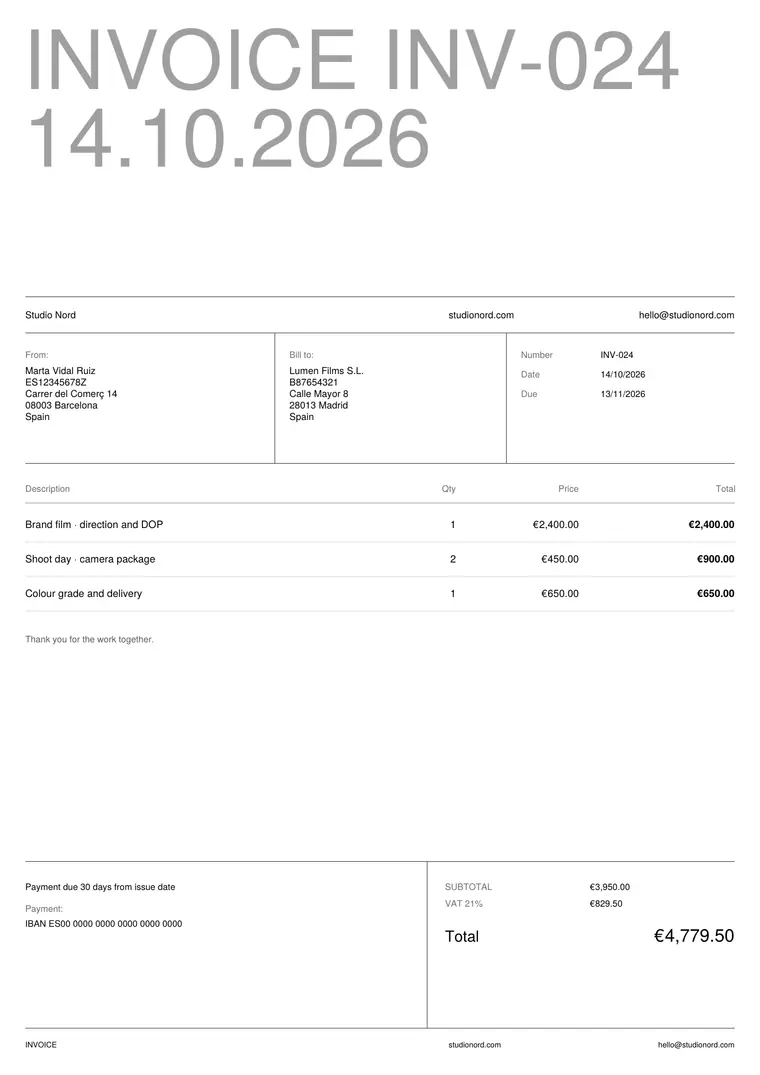
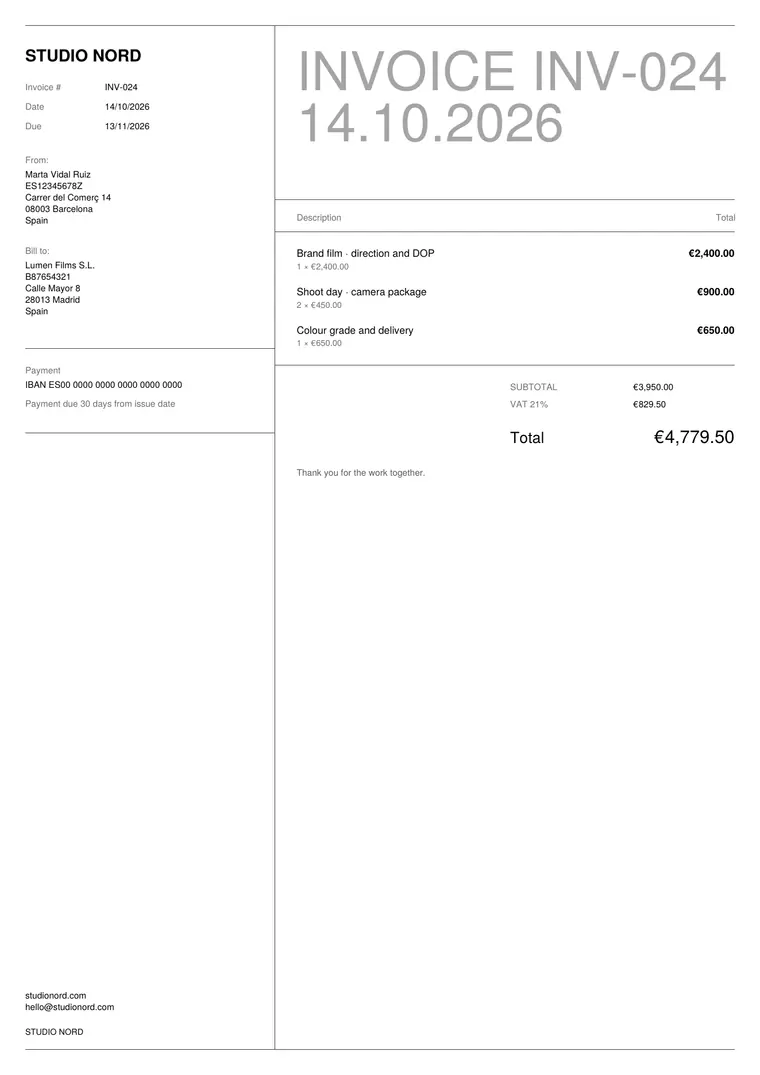
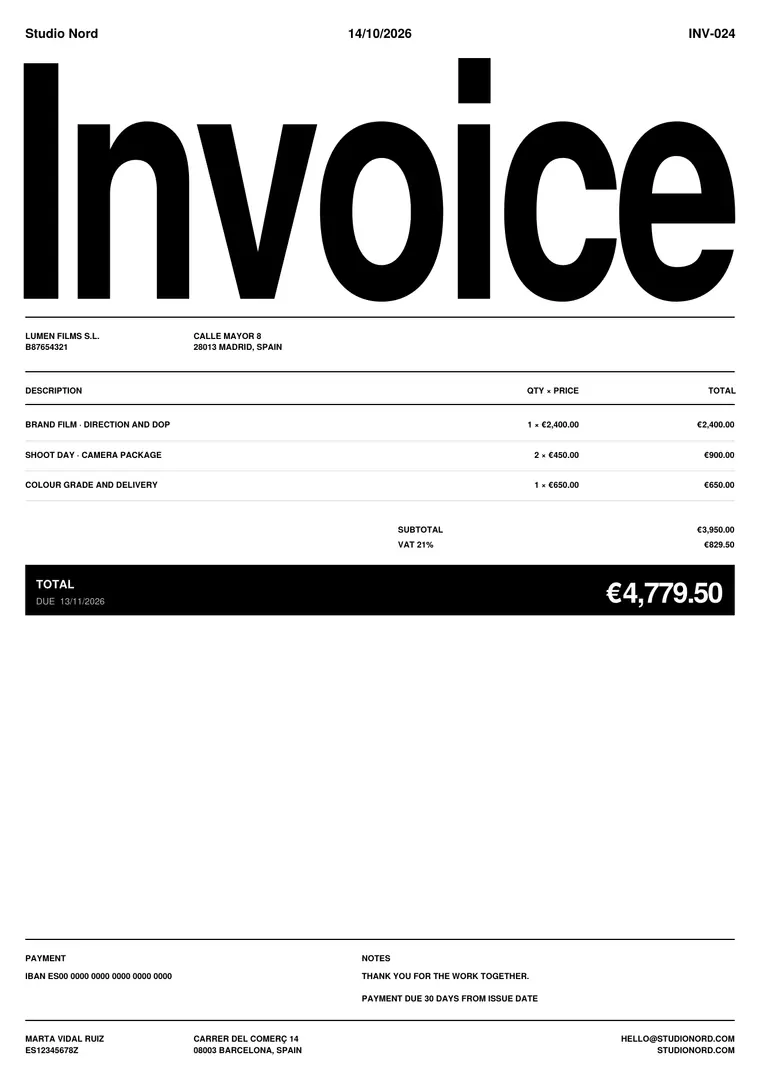
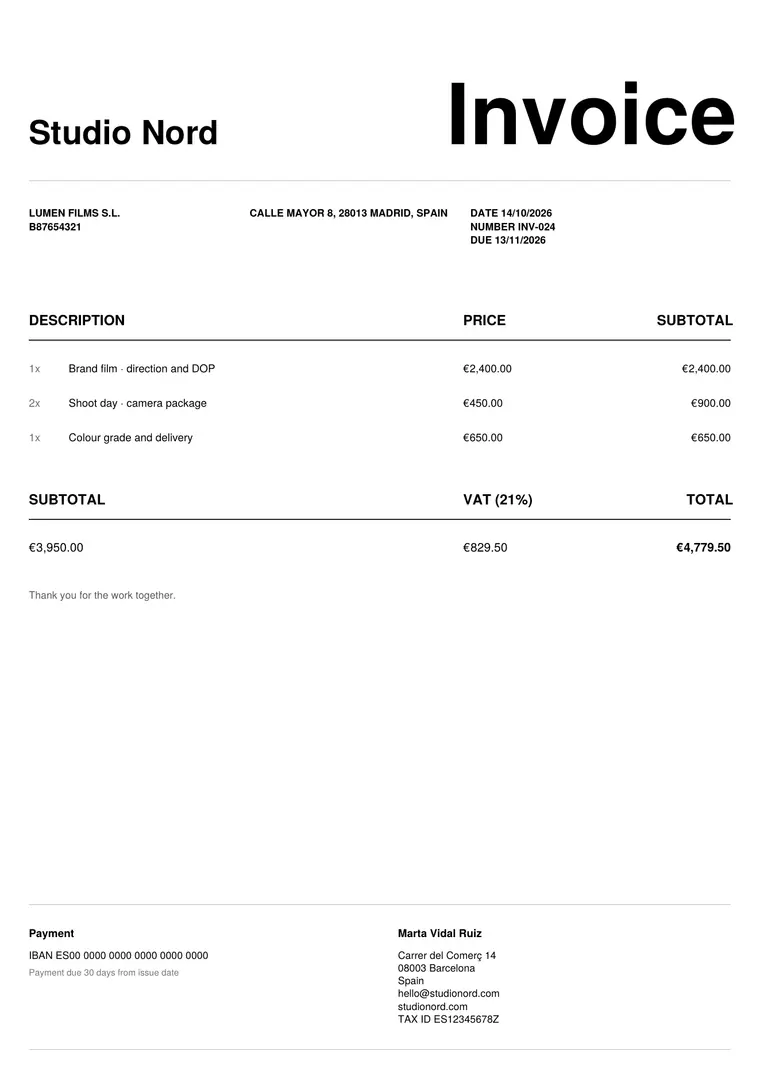
What to put on a video production invoice
- Your details and your client’s: company name, address, tax ID.
- Invoice number, issue date and due date.
- Pre-production: concept, script, location scouting, planning.
- Production: shoot days for direction, DOP and crew, with day rates.
- Equipment: camera package, lenses, lighting and sound, per day.
- Post-production: edit, colour grade, sound mix, motion graphics, deliverables.
- Revisions included, expenses you pass on, tax, total and payment details.
Tips for production invoices
- Quote first and keep the same lines on the invoice: no surprises for the client.
- Use day rates and quantities (2 shoot days × rate) so the maths is easy to check.
- Write how many rounds of revisions are included; extra rounds go on a new line.
- On long projects, invoice in stages: pre-production, shoot and delivery.
Questions
Can I turn a quote into an invoice?
Yes, with Summe Pro: the client, the lines and the totals carry over, and the invoice gets the next number.
Does it work for international clients?
Yes. Choose the currency and the PDF language (English, Spanish, French, German, Italian or Portuguese with Pro).