Invoice template for photographers
Shoot days, editing, usage rights and travel, on an invoice that looks as considered as your pictures. Fill it in your browser and download the PDF.
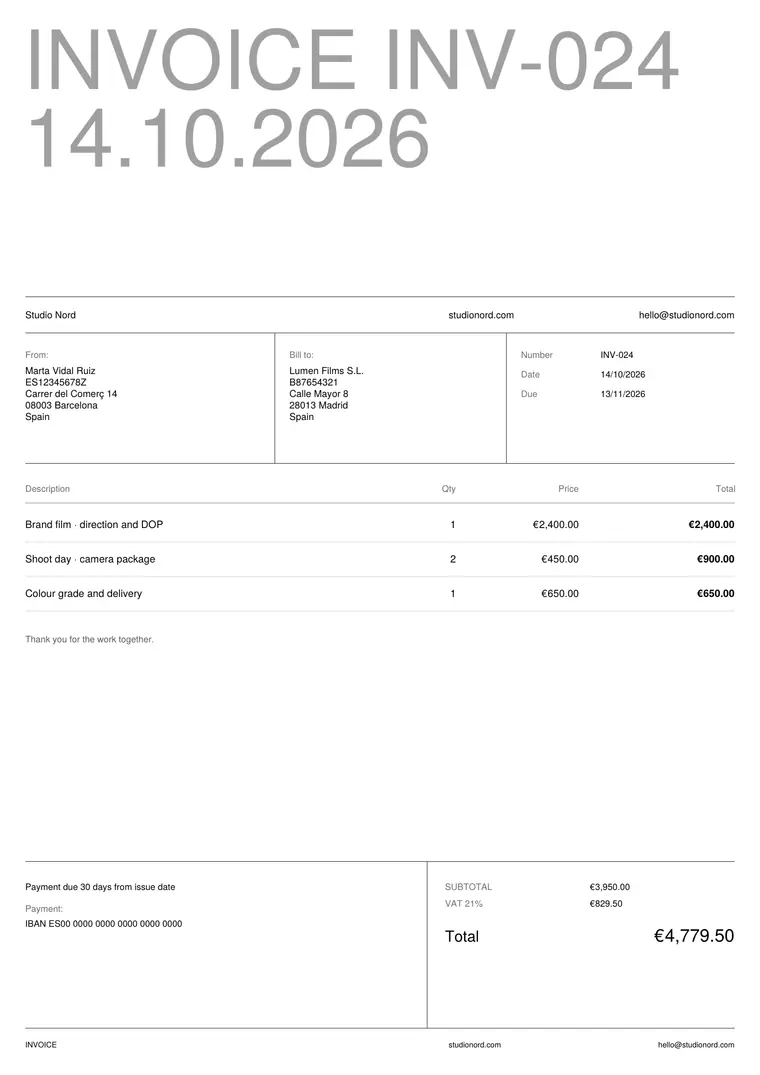
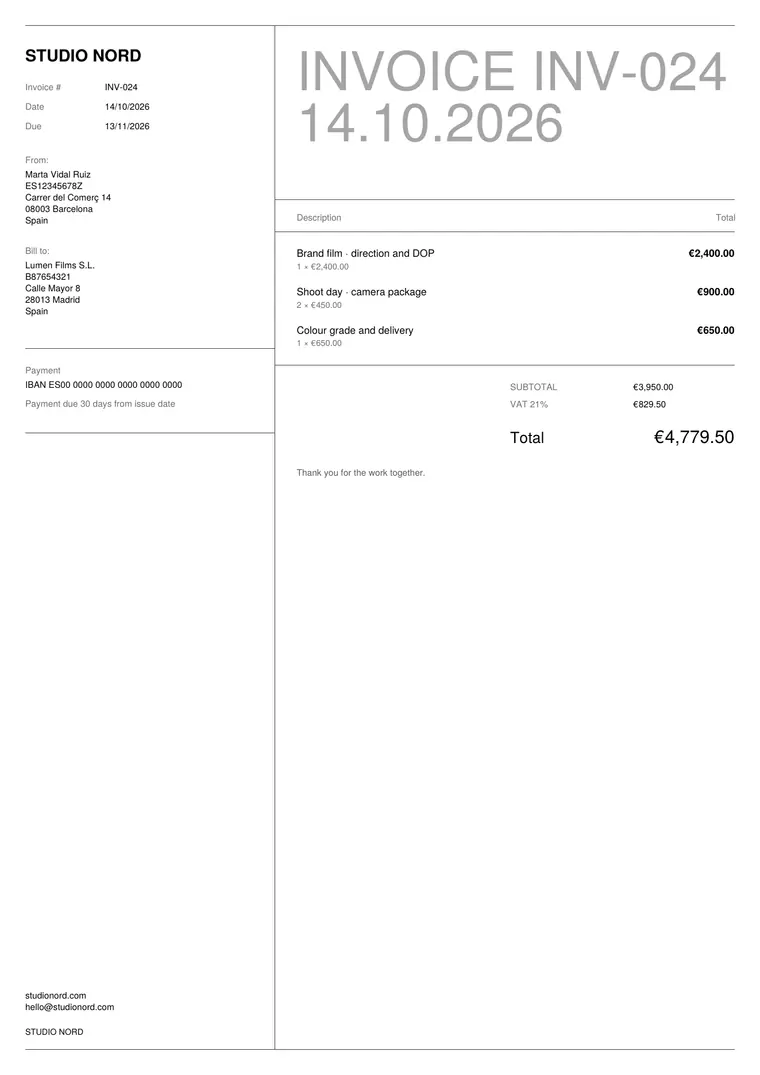
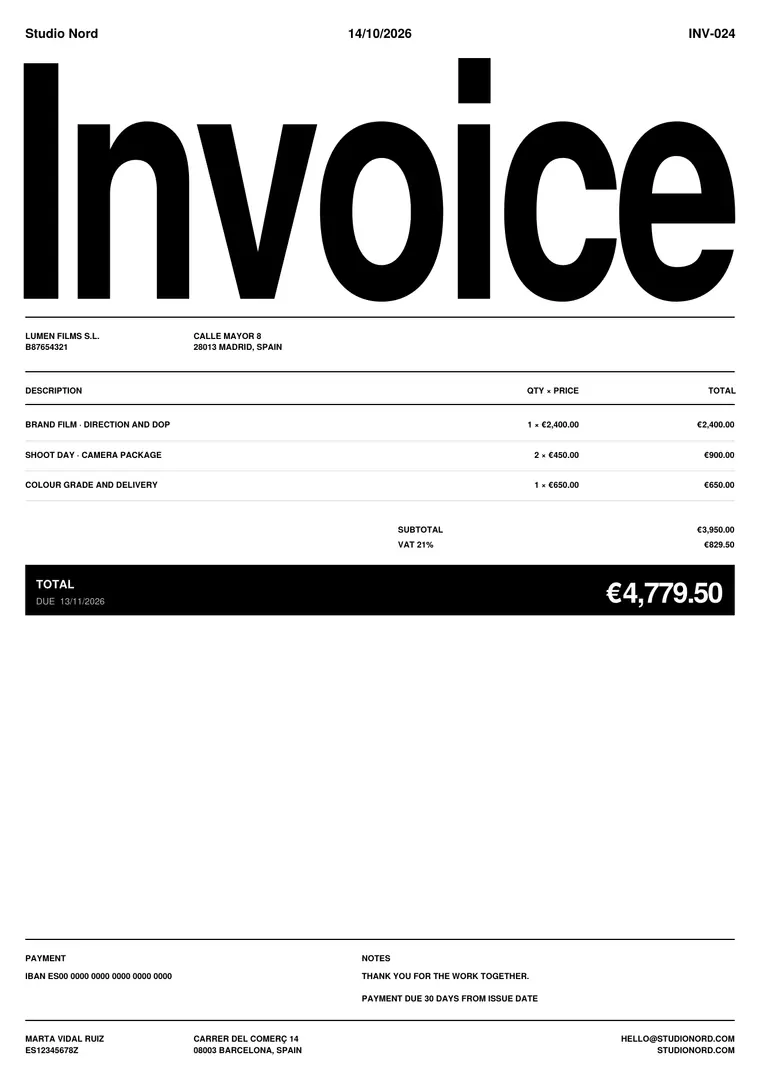
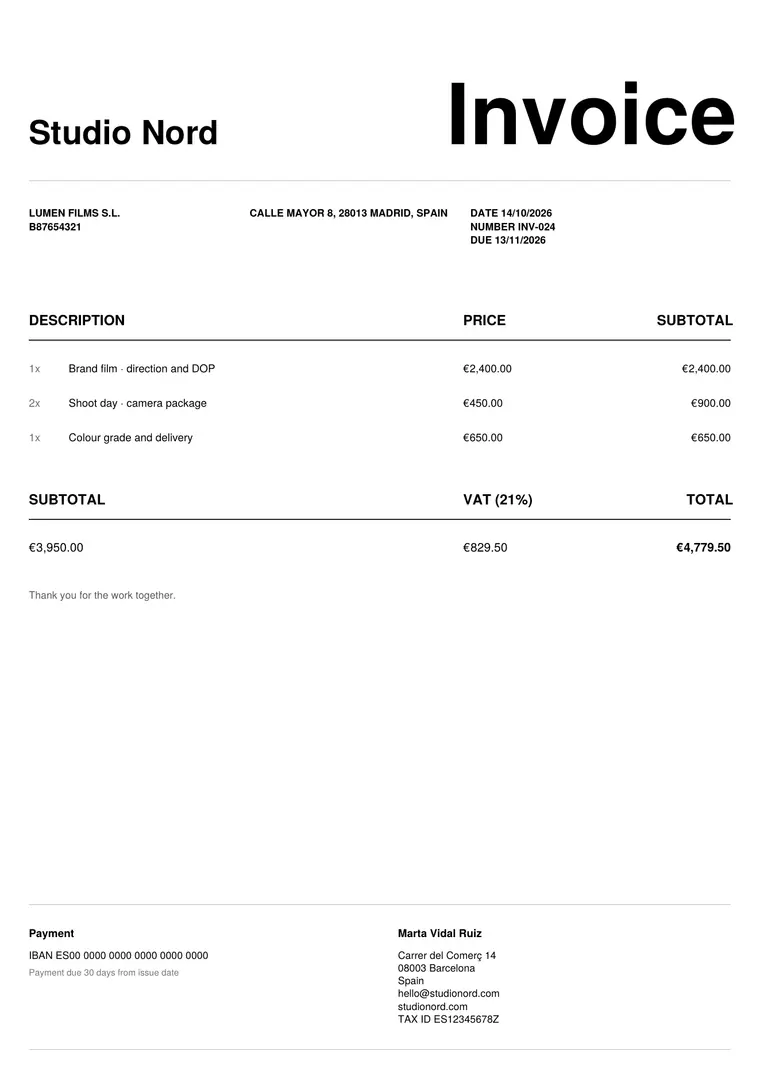
What to put on a photography invoice
- Your name or studio, tax ID and contact details.
- Your client’s company name, address and tax ID if they have one.
- An invoice number that follows the previous one, the issue date and the due date.
- One line per item: shoot day or half day, editing and retouching, number of final images.
- Usage rights: where and for how long the client can use the pictures (web, social, print, campaign).
- Travel, location fees or equipment you pass on to the client.
- Tax, the total and how to pay you: bank details or a payment link.
Tips that get you paid sooner
- Send the invoice on delivery day, while the client is still happy with the gallery.
- Agree on payment terms before the shoot and write them on the invoice (for example, 30 days).
- For big productions, ask for part of the fee when the client confirms the job.
- Keep the same layout on every invoice: it looks professional and is easier for the client’s accountant.
Questions
Can I invoice usage rights separately?
Yes. Add a line for the licence with a short description of the use and the period, so your client knows exactly what they are paying for.
Is Summe free for photographers?
Yes. You can make unlimited invoices for free. Pro adds the extra designs, quotes, reminders and sync, with one payment.